 55 Park Road,


Securing the AI Frontier: A 5-Point Framework for Small Businesses
Artificial Intelligence is no longer just an enterprise luxury; it is a critical lever for small businesses looking to scale operations, automate workflows, and compete in a tight market. As a technical business owner, you already understand the ROI of integrating Generative AI and machine learning into your daily processes.
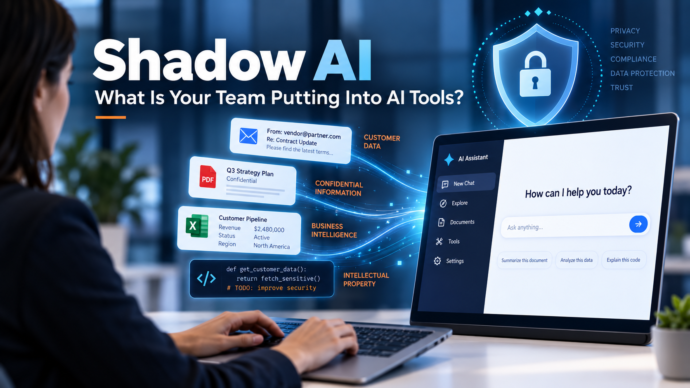
However, the rapid adoption of AI introduces a new, complex threat vector to your environment: Shadow AI. When employees bypass IT to use unauthorized consumer-grade AI tools, they inadvertently expose your company to data leaks, compliance violations, and intellectual property theft.
To safely harness the power of AI, you must build a security-first culture. Here is a five-point framework—based on essential questions every employee must ask—to help you secure AI usage in your small business.
1. Enforce an IT-Approved Tool Roster
The Employee Question: Is it approved by your IT team?
The most significant vulnerability in SMB AI adoption is employees signing up for random, unvetted AI applications to “save time.” This leads to a fragmented tech stack with undocumented security flaws.
The Technical Solution:
-
Create an Approved Vendor List: Audit your current environment to see what AI tools are already in use. Standardize on a few vetted platforms (e.g., enterprise tiers of Microsoft Copilot, Gemini for Workspace, or ChatGPT Enterprise).
-
Implement Access Controls: Block known, unapproved AI domains at the network level or via your endpoint detection and response (EDR) solutions.
-
Use SSO: Mandate Single Sign-On (SSO) for all approved AI tools so you can revoke access instantly during employee offboarding.
2. Understand Data Lineage and Model Training
The Employee Question: Where does your data go?
Many consumer-grade AI tools offer their services for free because they use user inputs to train their next-generation foundational models. If an employee inputs proprietary data into one of these tools, that data becomes part of the model’s neural network and could potentially be regurgitated to a competitor.
The Technical Solution:
-
Enterprise Licensing: Always opt for enterprise or business licenses. These agreements typically include zero-data-retention policies and legally bind the vendor from using your prompts for model training.
-
API Usage: If you are building custom internal tools, rely on the provider’s API. Most major providers do not use API data for training by default, offering a much more secure pipeline than consumer web interfaces.
3. Implement Strict Data Loss Prevention (DLP)
The Employee Question: Are you sharing anything confidential?
Employees often treat AI chatbots as secure sounding boards, pasting in meeting transcripts, client information, financial spreadsheets, or even proprietary source code to get summaries or debugging help.
The Technical Solution:
-
Establish Prompt Hygiene: Create a clear, written Acceptable Use Policy (AUP) that explicitly forbids the input of Personally Identifiable Information (PII), Protected Health Information (PHI), financial data, and sensitive source code into public LLMs.
-
Deploy DLP Tools: Utilize Data Loss Prevention tools across your network to monitor and block sensitive data from being pasted into browser-based AI prompts.
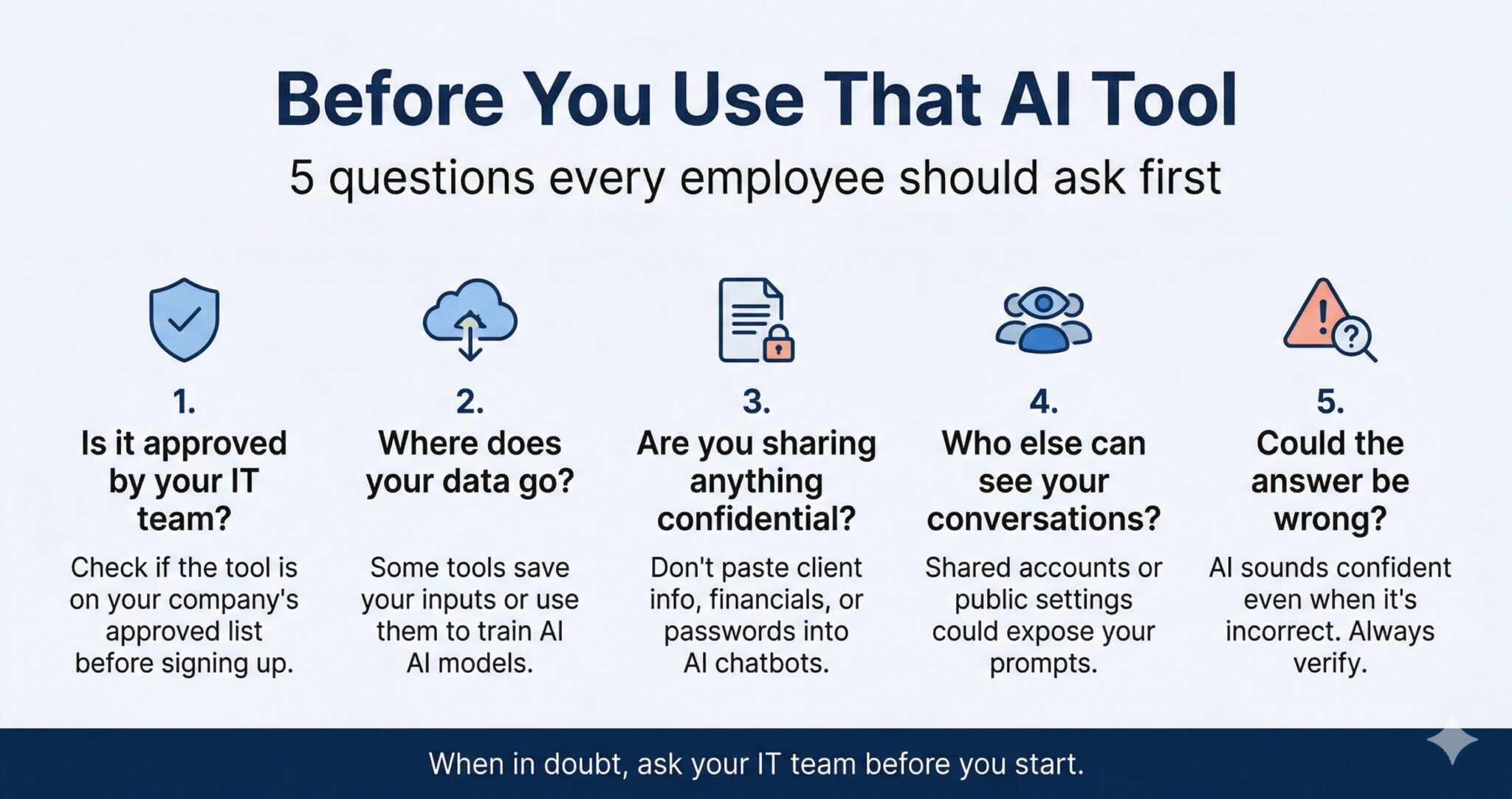
4. Manage Access and Visibility
The Employee Question: Who else can see your conversations?
To save on software licensing costs, small businesses sometimes resort to “shared accounts” for premium AI tools. This is a massive security risk. Furthermore, some platforms default to public link-sharing for chat threads, making internal conversations easily discoverable.
The Technical Solution:
-
Zero Shared Accounts: Enforce a strict one-user-to-one-license policy. Shared accounts destroy audit trails and make it impossible to track who leaked data.
-
Role-Based Access Control (RBAC): Ensure that users only have access to the AI tools and internal data repositories strictly necessary for their roles.
-
Audit Privacy Settings: Systematically disable public link-sharing features at the admin level for all deployed AI solutions.
5. Require Human-in-the-Loop (HITL) Verification
The Employee Question: Could the answer be wrong?
AI systems are highly prone to “hallucinations”—generating confident, plausible, but entirely incorrect information. Relying on unverified AI outputs for coding, legal document drafting, or client communications can lead to catastrophic business errors.
The Technical Solution:
-
Define AI as a Copilot, Not an Autopilot: Mandate that AI is strictly an assistive technology. It should never be granted autonomous execution rights in production environments without strict guardrails.
-
Verification Workflows: Institute a mandatory human review process for any AI-generated code, financial analysis, or external communications before deployment.
The Bottom Line
Innovation shouldn’t come at the cost of your company’s security posture. By taking these five concepts—Approval, Data Destination, Confidentiality, Visibility, and Verification—and translating them from employee guidelines into hard IT policies, you can confidently integrate AI into your small business.
Make it a company mantra: When in doubt, ask the IT team before you start.